Product Overview

Capture the clinical work that happens inside therapy.

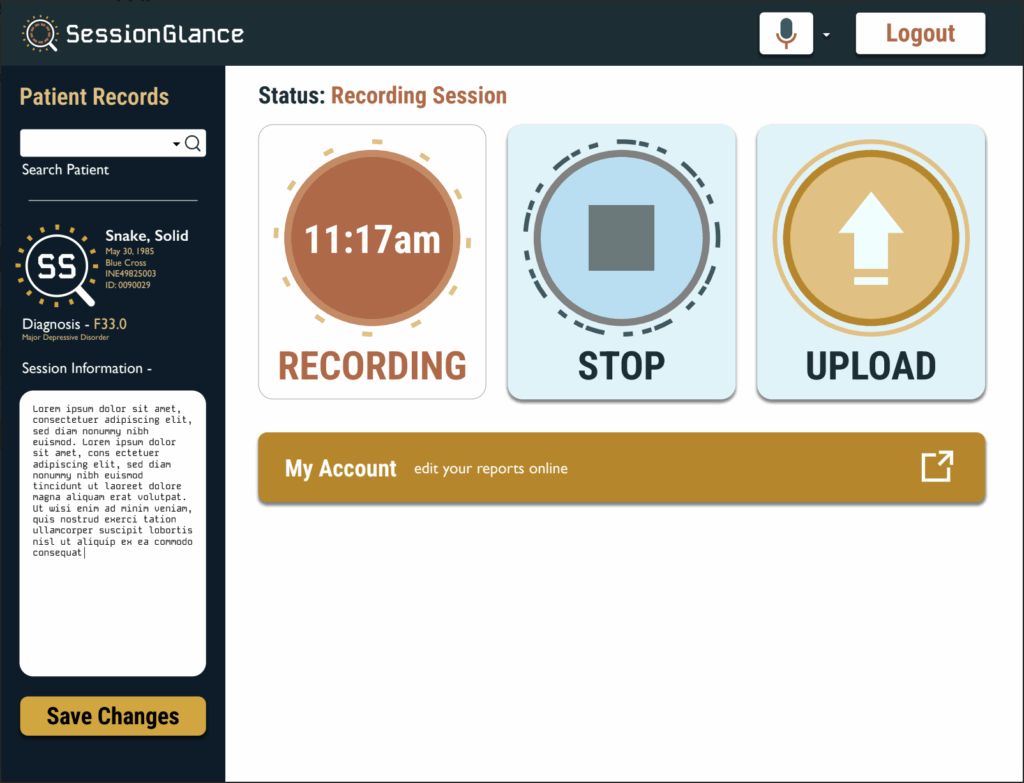
SessionGlance captures psychotherapy session audio and turns it into actionable After Visit Summaries and clinician-reviewed draft documentation.

The platform is designed to help clinicians make more of the work already happening during the therapeutic hour visible: interventions, symptoms, functioning, progress, reflection, assessment, and treatment planning.
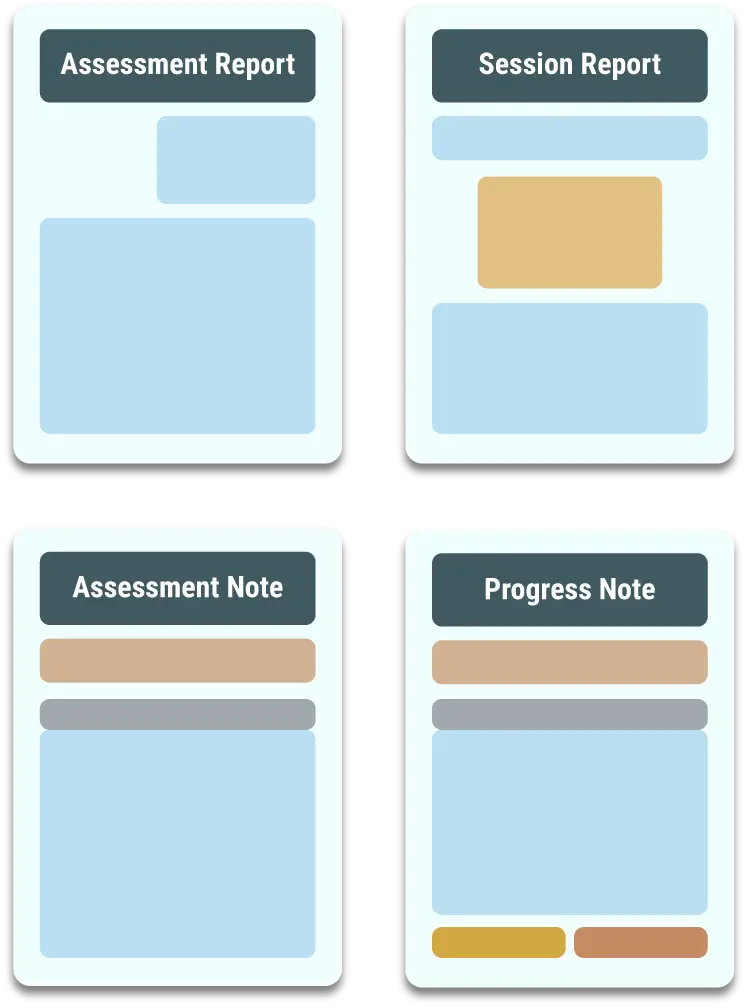
Actionable After Visit Summaries Clinician-Reviewed Drafts Measurement-Based Care Assessment Support
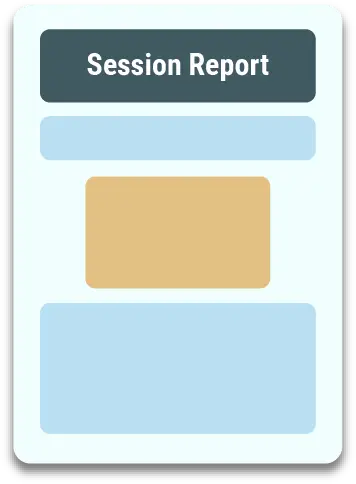
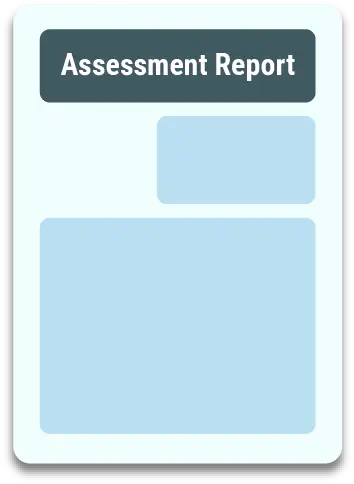
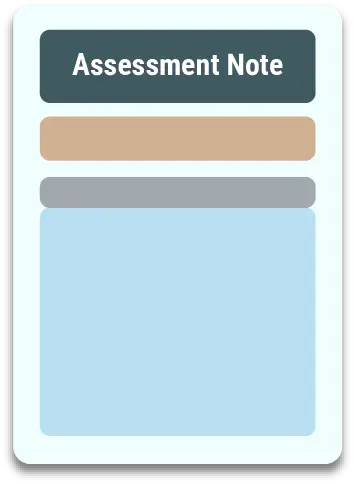
SessionGlance report set
What is SessionGlance?

Built for the full clinical process—not just the note.

SessionGlance is designed to capture psychotherapy work in a way that supports both the client experience and the clinician’s documentation workflow.

Developed by clinicians

Everything from the clinical workflow to the product experience has been developed and curated by licensed clinical psychologists.

Intervention-oriented

SessionGlance is built to highlight the clinical expertise delivered during the therapeutic hour, including interventions, interpretation, functioning, and treatment response.

Reliable, consistent workflow

The platform is designed to produce structured, repeatable outputs that clinicians can review, edit, and integrate into their existing care process.

Measurement-based care

Track more than symptoms alone.

SessionGlance helps clinicians organize a broader picture of how clients are doing across treatment, using session content and structured clinical information to support ongoing assessment.

Anxiety Depression Resilience Functional Abilities Relationships Insight Problem Solving Emotional Regulation Loneliness
Registration & setup

Welcome to SessionGlance.

You are about to complete a short, four-step registration process. Most clinicians finish in under five minutes.

Get started

Four steps to activate your account.

Most clinicians finish in under 5 minutes

All new SessionGlance accounts begin with a free 30-day trial. Complete registration, activate your account, then set up the desktop application.

01

Your Information

Enter basic information about you and your practice.

02

Select Your Plan

Confirm your billing plan. All new accounts begin with a free 30-day trial.

03

Payment Method

Enter a credit card or ACH bank account. You will not be charged during the trial period.

04

Review & Confirm

Review and accept the End User License Agreement (EULA) to activate your account.

After registration, you will:
Receive an email to securely set your password
Complete a brief two-factor authentication setup
Download the SessionGlance desktop app
Begin generating your first report
Installation

Just record the session. We’ll handle the rest.

SessionGlance is designed to be straightforward to download and set up. You need a compatible computer, reliable internet connection, and working audio equipment.

MacOS or Windows

  • Windows 10 or 11
  • macOS version 12 or higher
  • Intel Core i5 or AMD Ryzen 5 processor or better
  • At least 8 GB RAM; 16 GB recommended
  • SSD with 256 GB or more recommended

Internet Connection

  • A stable connection helps minimize interruptions in recording
  • 5G or another strong broadband connection is recommended
  • Typical regular use may consume roughly 1 GB of data per month for a clinician with about 25 clients

Mic & Headphones

  • Microphone setup can be completed inside the application
  • Test microphone compatibility before your first recorded session
  • Use headphones, earbuds, or an appropriate speaker setup for telehealth
  • Support is available if audio setup is not working as expected

Need technical support? Use the SessionGlance support portal for registration, installation, account, or recording questions.
I Need Tech Support
SessionGlance
Security you can trust

Protect the therapeutic space.

Privacy is essential in mental health care. SessionGlance is designed around strong safeguards for session data, account access, report storage, and clinician control.

HIPAA & HITECH safeguardsWorkflows are designed around federal privacy and security standards for protected health information.
Encrypted transmission & storageClinical information is protected while moving through the system and while stored.
Automatic deletion of recordingsSession recordings are processed and deleted so raw audio does not remain stored locally.
Clinician-controlled accessReports and client information remain tied to the clinician’s secure account and authorization.
Two-factor authenticationAdds an additional layer of account protection during login.
Time-limited API keysIntegration credentials are designed to expire rather than remain indefinitely active.
Automatic session lockoutsInactive accounts can be restricted to help reduce unauthorized access.
No local PHI storageThe workflow is designed so sensitive client information does not need to live on the clinician’s local device.
Ready to get started?

From registration to your first report in one connected workflow.

Start your 30-day free trial, complete the four-step registration process, download the desktop application, and begin using SessionGlance in your clinical workflow.

SessionGlance produces AI-assisted draft outputs for clinician review. Clinicians remain responsible for clinical judgment, final documentation, treatment decisions, and appropriate use of generated material.

What is SessionGlance?

Capture ALL of your Clinical Work

SessionGlance is a software that captures psychotherapy session audio and turns it into actionable “After Visit Summaries”.

Everything from the underlying code to the branding has been created and curated by licensed clinical psychologists

SessionGlance is specifically built to highlight the clinical expertise by focusing on the interventions delivered over the therapeutic hour

SessionGlance’s model has been rigorously tested to ensure reliable and consistent results and feedback

SessionGlance Spinner Terra

Compose Draft Documentation

Click to see a sample report

1

Draft psychological assessment reports

SessionGlance reports are easy to edit and organized to easily be customized to address the unique presentations of your clients.

2

Reflection-based client feedback worksheets

Feedback Reports provide the following:

📑 Symptom tracking from session to session: Anxiety, Depression, Resilience, Loneliness

📰 Narrative of the clinician’s interventions from a psychotherapy session.

📝 Reflection questions associated with the content of the session.

3

Draft SOAP Notes for the previous session

SessionGlance draft notes for both psychotherapy appointments and psychological assessments help save you time!

Assesses a Variety of Scales such as:

💥 Anxiety

🌀 Depression

🦾 Resilience

🏃🏾 Functional Abilities

🎭 Relationships

‼️ Insight

💡 Problem Solving

💢 Emotional Regulation

Security You Can Trust

When it comes to mental health care, privacy isn’t optional—it’s essential. SessionGlance was built from the ground up with security as our foundation. Every feature, workflow, and safeguard is designed to protect your clients’ sensitive information and give you confidence that your practice is fully compliant.
SessionGlance Check

HIPAA & HITECH Compliant

SessionGlance meets and exceeds the standards required by federal privacy laws. You can feel confident knowing that every aspect of the platform—from login to storage to report generation—is designed with compliance in mind.

SessionGlance Check

End-to-End Encryption

All data is encrypted in transit and at rest, ensuring that recordings, reports, and client details are never exposed. Whether you’re uploading a session, editing a report, or downloading a final PDF, your information is always protected.

SessionGlance Check

Automatic Deletion of Recordings

Your session recordings are never stored locally on your device. Once uploaded, they are immediately processed and deleted, leaving no raw audio files behind. Only the structured reports remain—accessible only by you.

SessionGlance Check

Clinician-Controlled Access

You decide who has access. Reports are locked to your secure clinician account, and no one—including SessionGlance staff—can view your client data without your authorization.

SessionGlance Check

Advanced Safeguards

Two-Factor Authentication (2FA): Adds an extra layer of login protection.

Time-Limited API Keys: Ensure that integrations remain secure and automatically expire when not in use.

Automatic Session Lockouts: Accounts are automatically restricted if left inactive, protecting you from unauthorized access.

No Local PHI Storage: Nothing sensitive lives on your computer or device.

SessionGlance Check

Built for Trust

As clinicians ourselves, we understand the sacred trust between therapist and client. SessionGlance isn’t just about efficiency—it’s about protecting the therapeutic space. Our technology ensures that you can document and grow your practice without ever compromising your clients’ confidentiality.

Plans & Pricing

We know every practice is different. Whether you’re a solo provider, part of a group practice, or just curious about trying something new, we’ve designed flexible pricing options that scale with your needs.

Why Our Plans Work

Flexible entry points — try it free, scale up as your practice grows.

Clear ROI — pricing is designed so that even a handful of reimbursed sessions covers your cost.

No hidden fees — you pay per report or per provider/month, with transparent billing.

⚠️ Example: On average, Blue Cross Blue Shield of Michigan (BCBSM) reimburses CPT code 96130 between $110–$175 per unit. Exact reimbursement rates vary by insurer, state, and contract — please verify with your provider network.

Free Trial

get started risk-free
$ 0
00
for 1 Month!
  • Risk Free Trial
  • Full access to all core features and customer support
  • No cost if not used
  • Seamlessly transition to the plan of your choice
  • No Credit Card Needed

Per Report

pay as you go
$ 25 per report
  • No Commitments
  • Full access to all core features and customer support
  • Billed weekly, based on your usage
  • Best for providers who See fewer clients or use SessionGlance selectively
  • Allows for flexibility for those with smaller caseloads and exploring new tools
  • Clear and transparent billing

Enterprise

unlimited access
Select Custom Pricing
  • Made to fit any organization size
  • From solo practitioner to practices of 10+ clinicians
  • Flexible pricing to fit both established and growing practices
  • Full access to all core features and customer support
  • First Access to new features
  • Flat-rate plans provide unlimited reports billed monthly
  • Ideal for providers who high-volume clinicians who want to maximize efficiency.
  • Can see return on Investment in as little as 6 reimbursed 96310s
Best Value

Are you a larger organization?

Contact us for additional pricing options.